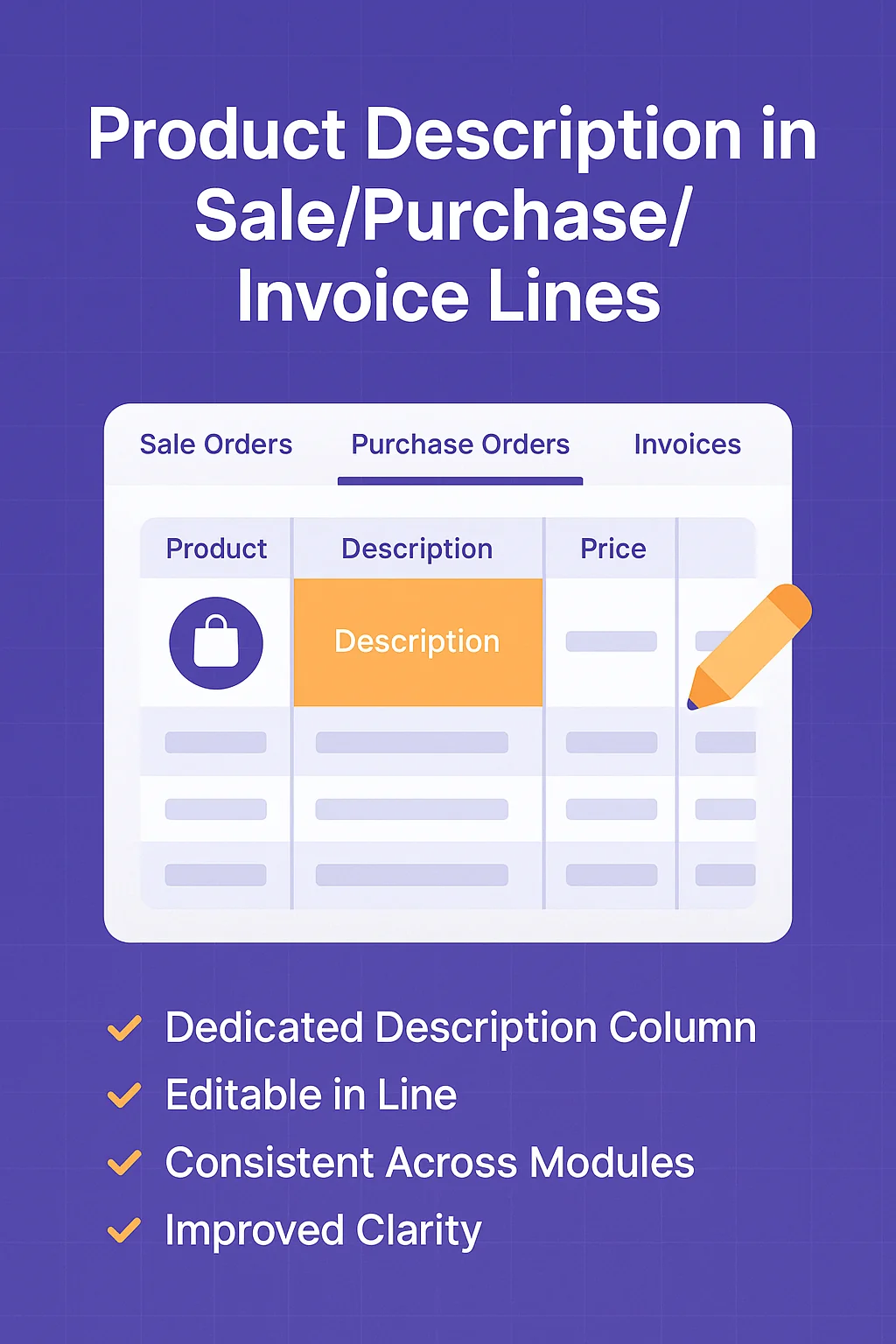
Overview
Product Description in Separate Column adds an editable description field to Odoo 18 sales, purchase, and invoice lines for clearer order details.
Supports v 18.0 — available directly on the Odoo Apps Store.
Description
In standard Odoo, the product field on order and invoice lines combines the product name and its description into a single field, which can make it harder to view or edit detailed notes, specifications, or instructions without expanding the line or opening the product form. This module addresses that by adding a dedicated, editable Product Description column to sale orders, purchase orders, and invoices in Odoo 18 — keeping the product name in its own column while giving the description a clear, separate space.
Key Features
- Adds a separate column for product descriptions across order and invoice line tables in Odoo 18
- Descriptions can be edited directly within the line, without navigating to the product form
- Available consistently across Sale Orders, Purchase Orders, Customer Invoices, Vendor Bills, Credit Notes, and Debit Notes
- Keeps product details visible without needing to scroll or expand lines
How It Works
Once installed, the module introduces a new Product Description column alongside the existing product column on order and invoice lines. In Sales, this appears on Quotations and Orders. In Purchasing, it appears on Requests for Quotation and Purchase Orders. In Invoicing, it appears on Customer Invoices and Vendor Bills, as well as Credit Notes and Debit Notes. Users can type or edit the description directly in this column while working on the document — there is no need to open the product form to view or change it. Editing the description in an order or invoice line only affects that specific line; it does not change the master description stored on the product record.
Business Use Cases
This module is intended for Odoo 18 users in sales, purchasing, and accounting who regularly work with products that carry meaningful descriptions — such as specifications, notes, or instructions — that need to be visible and editable directly within the order line.
For example, a sales team preparing a quotation for a product with custom specifications can add or adjust that specification directly in the order line's Product Description column, without leaving the quotation to edit the product form. Similarly, a purchasing team creating a Request for Quotation can record specific notes for a vendor alongside the product, separate from the product name itself. In invoicing, accounting staff can keep line-item descriptions clear and visible on Customer Invoices, Vendor Bills, Credit Notes, and Debit Notes, helping both internal teams and customers see relevant details without expanding or scrolling through combined text fields.
Frequently Asked Questions
Does editing the description in an order line change the product's description in the product form?
No. The description edited in the order line is specific to that line only. The product's master description on the product form remains unchanged in Odoo 18.
Which documents include the separate Product Description column?
Sale Orders, Purchase Orders, Customer Invoices, Vendor Bills, Credit Notes, and Debit Notes in Odoo 18 all include the dedicated Product Description column.
Can I edit the description without opening the product form?
Yes. The description column is editable inline, directly within the order or invoice line, so there is no need to open the product form to view or change it.
Is this module supported on Odoo Online (SaaS)?
The supplied module information does not list Odoo Online (SaaS) as a supported platform; it notes support for Odoo.sh and On-Premise, across Community and Enterprise editions.
Who benefits most from using this module?
Odoo 18 users in sales, purchasing, and accounting who work with products requiring detailed descriptions — such as specifications, notes, or instructions — that should be visible and editable directly in the order line.